

01 / SHARE
Share your work easily
Package large deliverables into one link and send it to teammates or clients.
Drop Point is a free tool that simplifies uploading files and sharing a link. Install it, open it when you need it, pick a file, and send it right away.
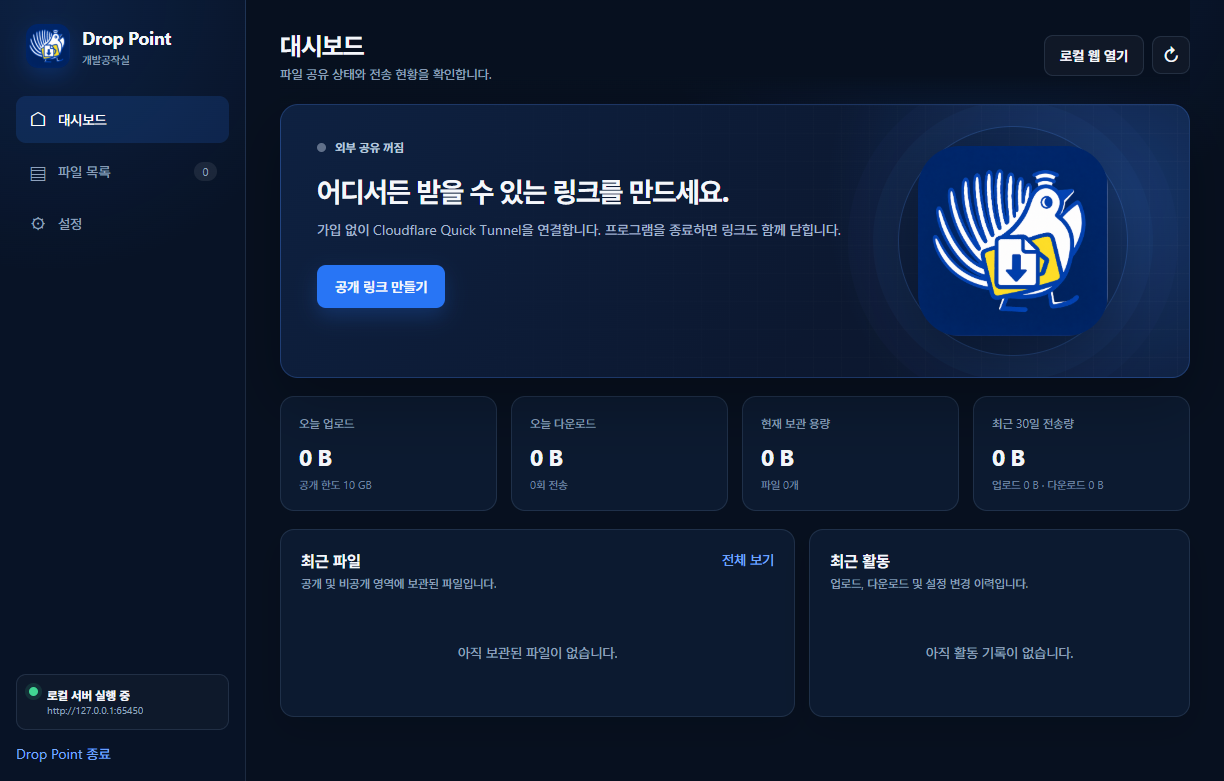
Built for the moment you need to send or receive a file — without sign-up friction or multi-step uploads.
01 / SHARE
Package large deliverables into one link and send it to teammates or clients.
02 / RECEIVE
Create a receive link without email attachments and collect only the files you need.
03 / SEND
Skip attachment limits and deliver files as a clean shareable link.
04 / TEAM
Use the same link for several recipients and cut down handoff steps.
05 / ARCHIVE
Bundle design, development, or planning files into a folder-ready handoff.
06 / ANYWHERE
Open it on a PC or laptop whenever you need to create a link quickly.
Drop Point does not need to stay running. Open it only when you send a file, create a link, then close it when the work is done.
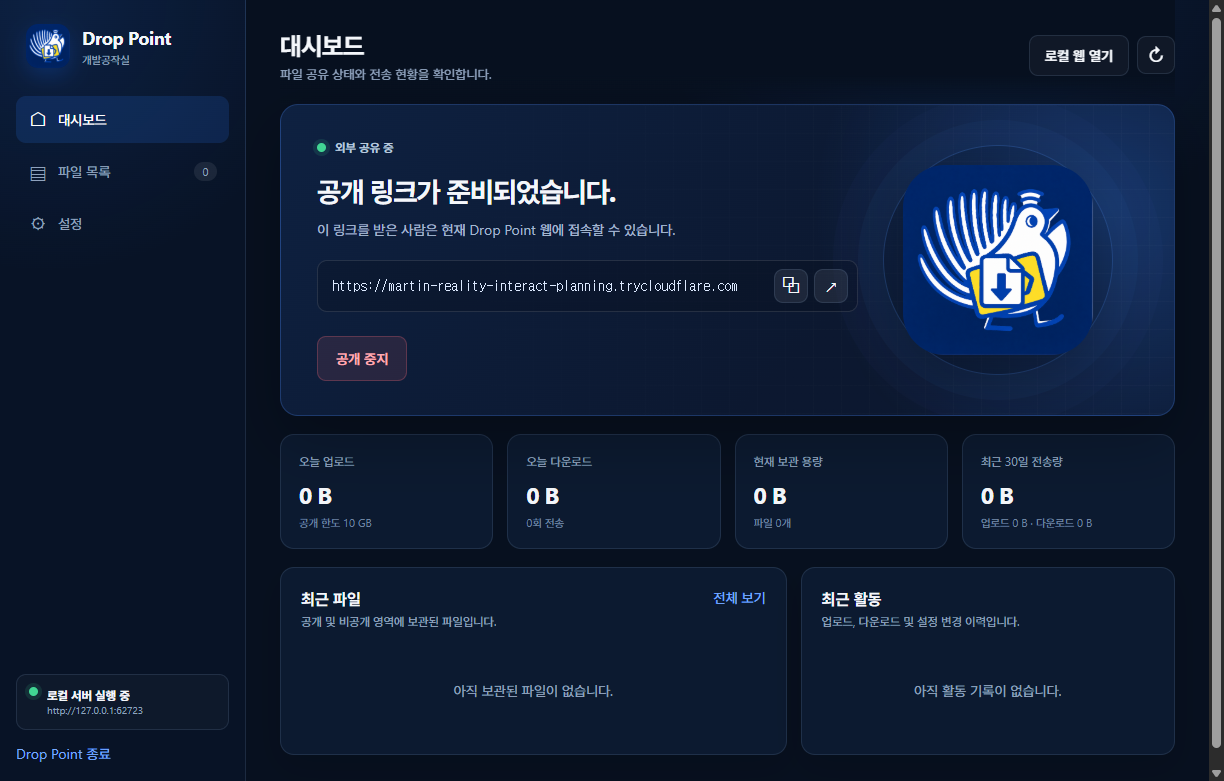
From install to file sharing, the flow stays simple without complex setup.
01 / INSTALL
Download the latest Windows installer from GitHub Releases and install it.
02 / SETUP
Set private-area and administrator passwords, then review the terms and privacy notice.
03 / LINK
Create a public link from the dashboard and send it to yourself or anyone who needs to deliver a file.
04 / TRANSFER
Files dropped through the link are saved on your computer. You can create download links for stored files as well.
The current installer is not yet code-signed, so Windows SmartScreen may display a warning. Code signing is under review before broad public distribution.